Sign in
You sign in to Realms with Discord or with a code sent to your email. No wallet is needed to sign in or to play: the device you play on signs your game actions itself.
Connect
Connect opens over the page you are on: from Play free, from Sign in on You, or from a Blitz lobby. When you are signed in, you go on to where you were going, or stay on the same page.
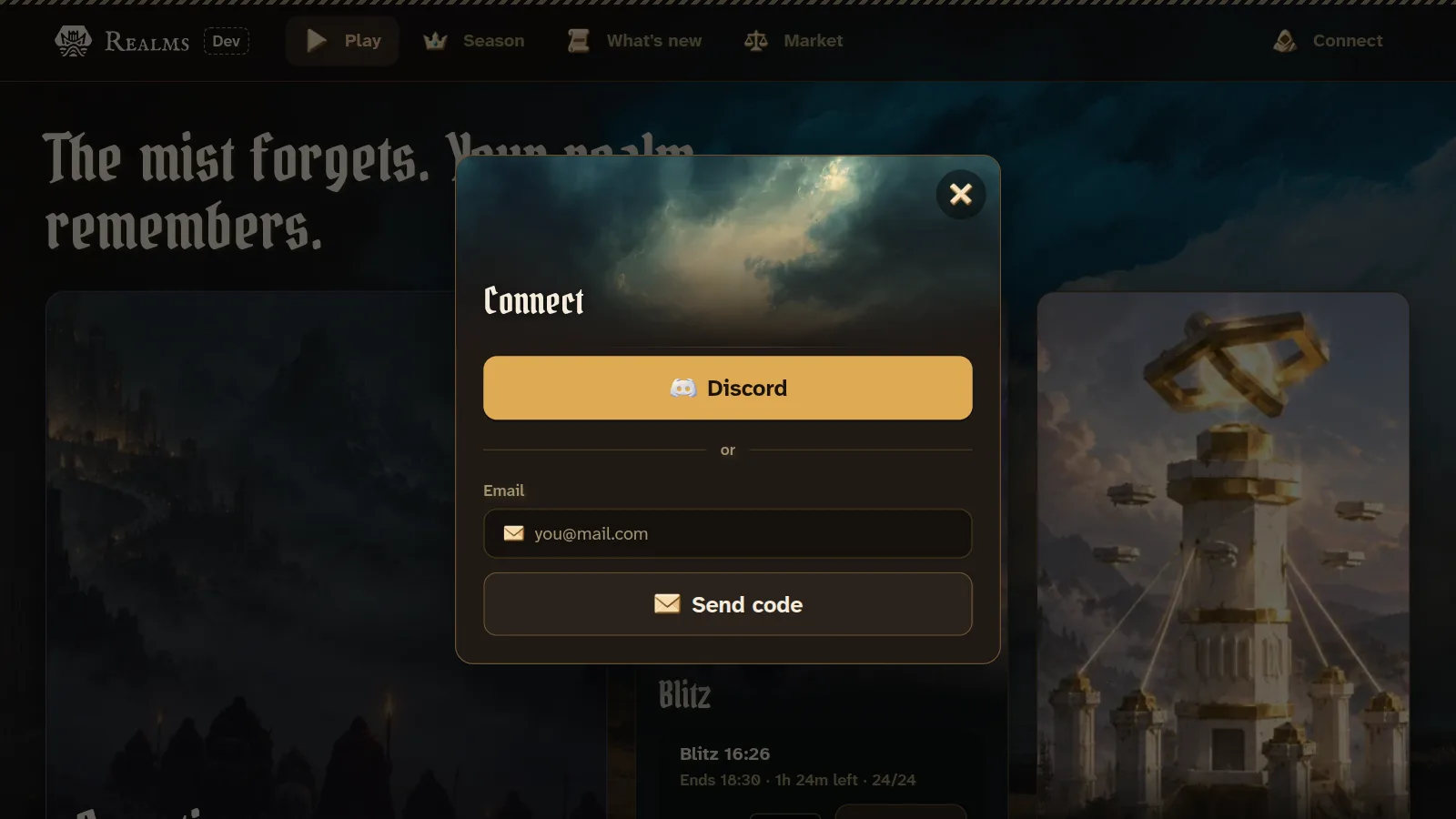
With Discord. Press Discord and approve Realms there. If Discord finishes in another browser (the Discord app on a phone often opens its own), that browser shows a code. Type it into Connect, under "Discord finished in another window? Enter the code it shows."
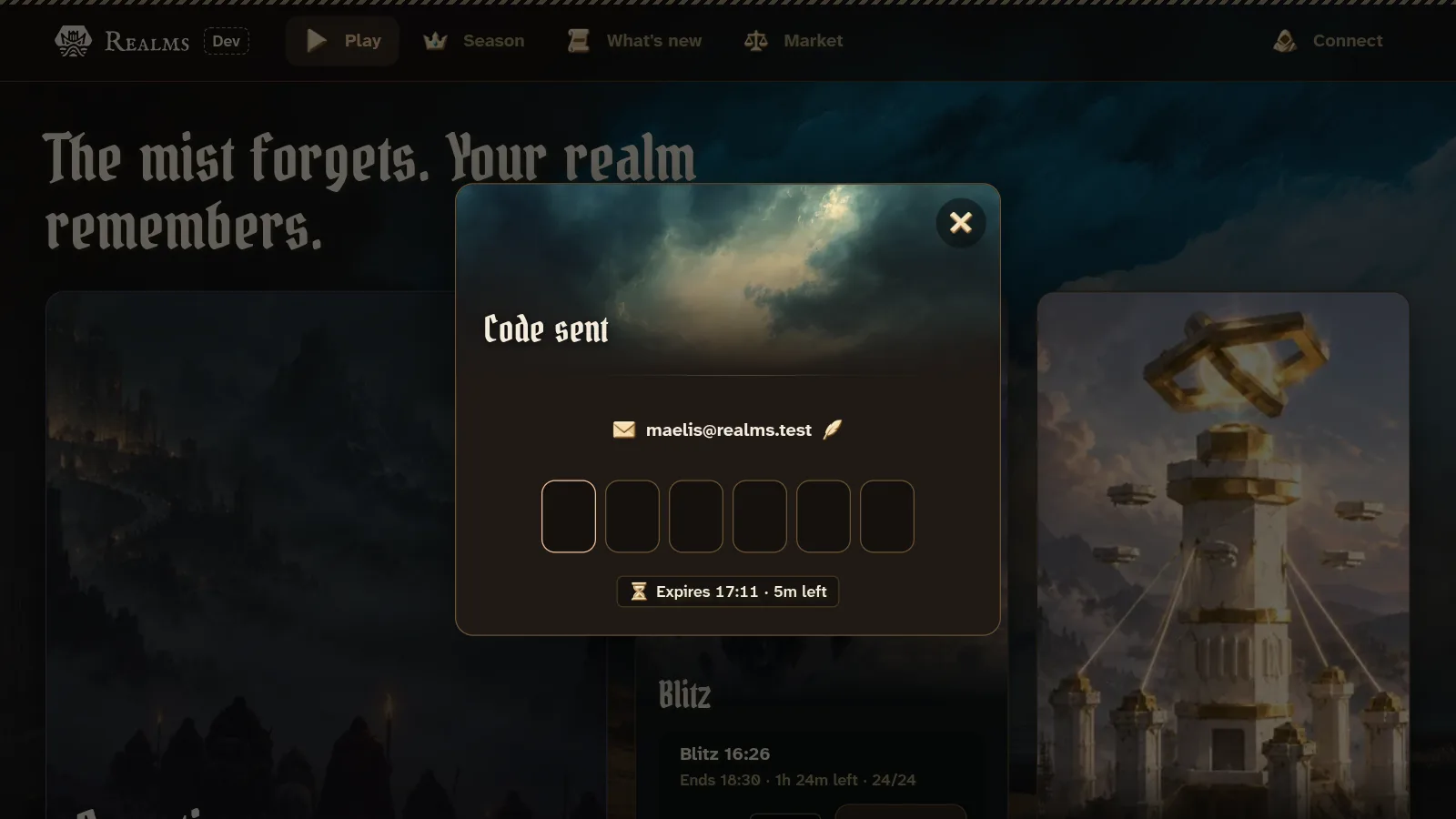
With email. Type your email and press Send code. A six-digit code arrives by email; type it in, and you are signed in on the sixth digit. Connect shows when the code expires, and offers New code once it has. Tap your address to change it.
Your name and portrait
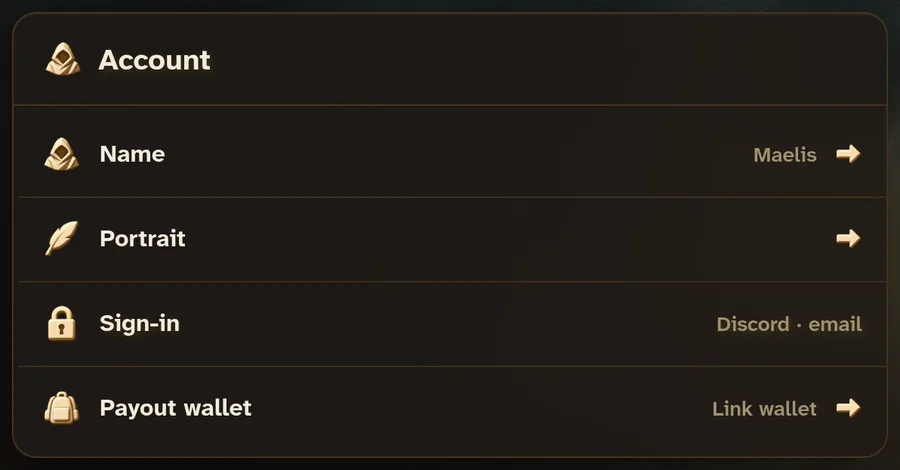
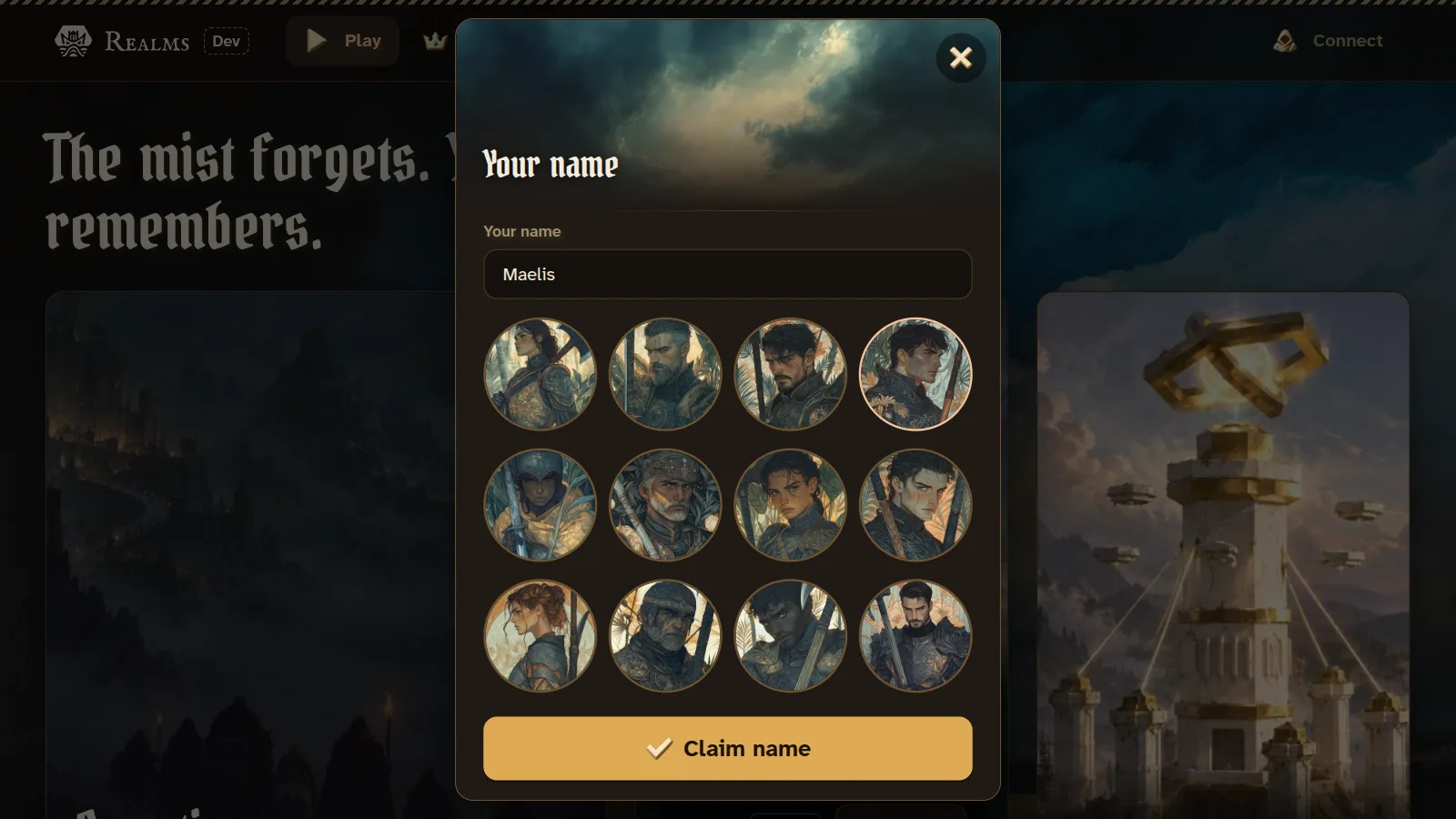
Your first sign-in creates your Realms account. Connect then asks for a name, suggested from your Discord name or your email, and a portrait. Claim name saves both. You can change either later in Settings.
Devices
Each browser you sign in on keeps its own key, and that key signs your game actions on that device. An account can play on 8 devices. Entering a game on a ninth asks you to remove one: on a device that is already signed in, open Settings, Devices, remove one, then try again.
Removing a device signs it out, and it cannot enter a game until it signs in again. Sign out in Settings makes this device forget your account until you sign in again.