
Payout wallet
Your payout wallet is the Starknet wallet linked to your Realms account. Frontier needs none to play. You need one to:
- pay a Blitz entry, and get its refund back;
- carry a Blitz rating;
- receive Blitz chests and claim the season prize;
- withdraw your Frontier realm's LORDS;
- claim Frontier labor for the Realms the wallet holds.
A game's results, chest and prize go to the wallet its seat was played with, even if you change your payout wallet afterwards.
Linking a wallet
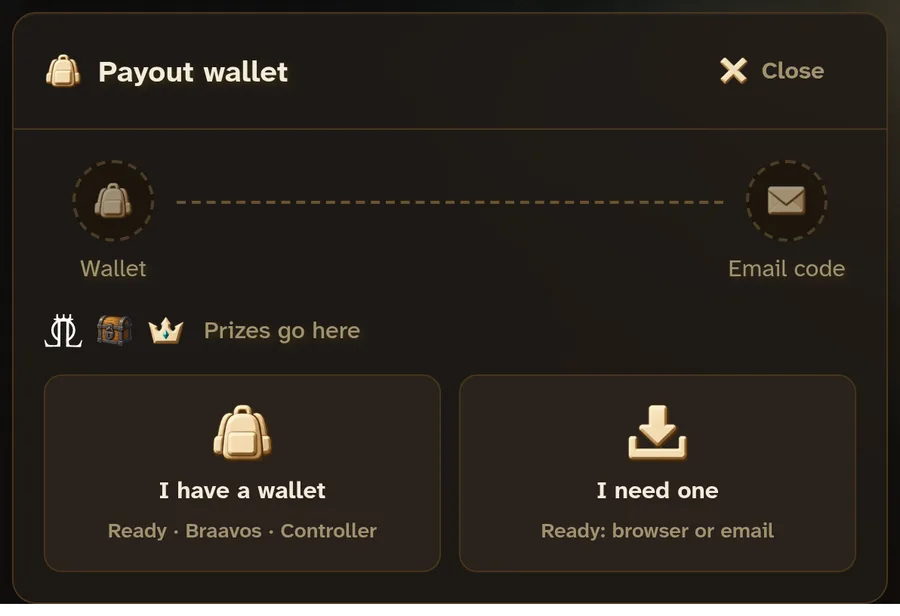
Open Settings, Payout wallet. A Blitz lobby's Link wallet takes you there and brings you back once it is linked.
- I have a wallet: Ready (formerly Argent), Braavos or Controller.
- I need one: Ready, in this browser with its extension, or by email with no install. On a phone, Ready by email.
Linking takes two steps: the wallet signs a message, then you type a six-digit code sent to your account's email. Realms creates no wallet and holds no key.
Replacing or unlinking
Replace links another wallet the same way. Unlink takes the emailed code alone, so you can unlink a wallet you have lost. Nothing pays out until a wallet is linked.
Network fees
Paying an entry, minting test tokens, opening a chest and claiming a prize are transactions your wallet signs, and it pays their network fee in STRK. With no STRK for the fee, the page offers Swap on AVNU.